
Best Free AI Tools for Students in 2026
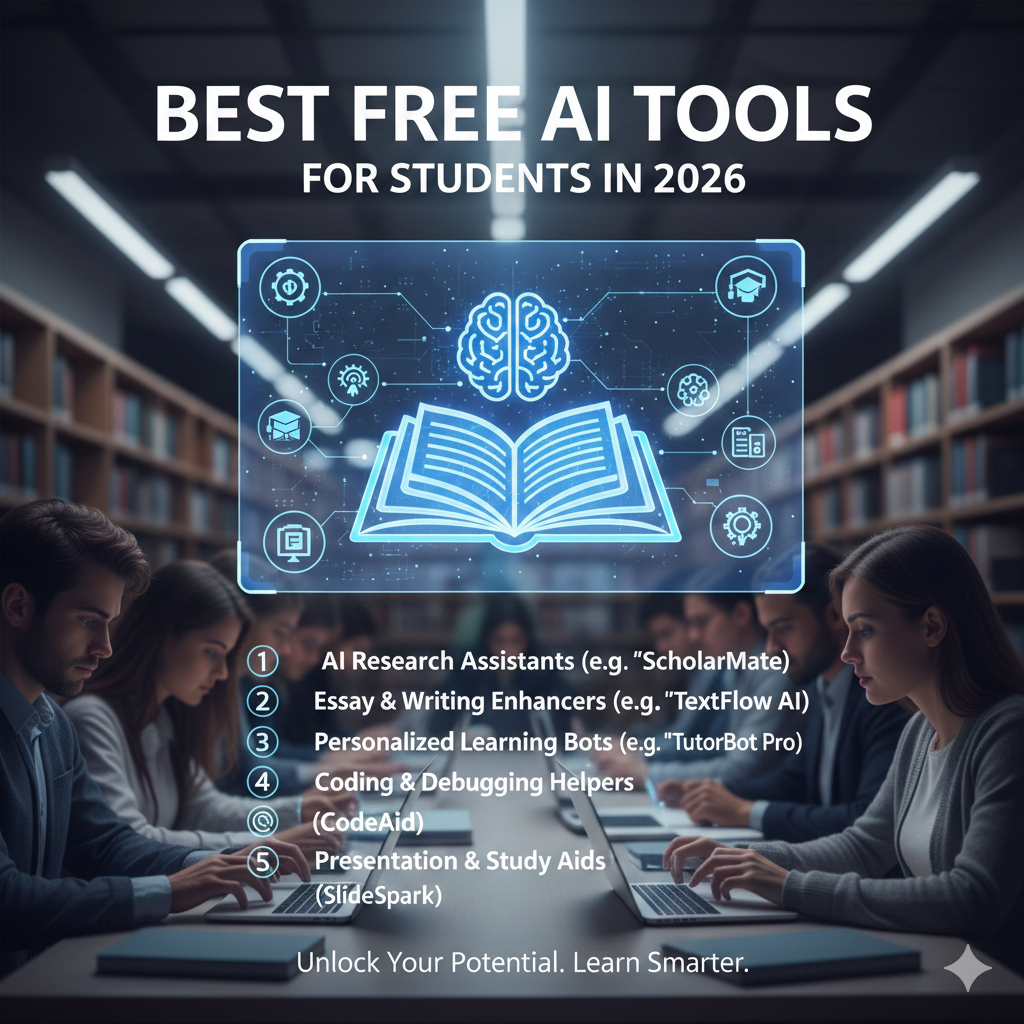
Artificial Intelligence (AI) has changed the way students learn, research, and create work. Whether you are in high school, college, university, or self‑learning, AI tools can help you save time, improve skillsets, and boost productivity – all without spending money.
In this blog, we will explore the best free AI tools for students in 2026 that are beginner‑friendly and useful for study, assignments, research, writing, and design.
🔹 1. ChatGPT (AI Writing & Learning Assistant)
Best for: Essays, explanations, brainstorming, and research help
ChatGPT remains one of the most powerful free AI tools for students in 2026. It helps with:
✔ Explaining hard concepts
✔ Writing essays and outlines
✔ Practice questions & summaries
✔ Brainstorming project ideas
Pro tip: Always review and edit the output – use ChatGPT as a learning assistant, not a substitute for your own thinking.
🔹 2. Canva AI (Design & Presentation Tool)
Best for: Posters, presentations, visual projects, infographics
Canva now includes AI features that help students design attractive materials quickly.
✔ Ready‑made templates
✔ AI text suggestions
✔ Image and graphics generator
Canva’s free plan offers enough tools for most school and college projects.
🔹 3. Grammarly (Writing & Grammar Checker)
Best for: Essays, emails, assignments, reports
Grammarly uses AI to help students write clearly and correctly.
✔ Grammar and spelling checks
✔ Vocabulary suggestions
✔ Tone and clarity improvements
This tool is excellent for academic writing and polishing assignments before submission.
🔹 4. Google Gemini (AI Research Assistant)
Best for: Study help, research summaries, explanations
Google’s AI (Gemini) can assist students in finding explanations, summaries, and concept breakdowns.
✔ Quick answers
✔ Research help
✔ Study explanations
Great to use alongside ChatGPT when researching tough topics.
🔹 5. Pexels & Pixabay (Free Image & Media Resources)
Best for: Projects, presentations, visuals
While not strictly “AI,” these free platforms use AI search to help find high‑quality images and videos.
✔ No copyright issues
✔ Quality content
✔ Easy search
Great for adding visuals to essays, slides, or digital projects.
🔹 6. Notion AI (Study Planner & Notes)
Best for: Studying organization, notes, and to‑do lists
Notion combined with AI helps students keep track of classes, deadlines, and ideas in one place.
✔ AI summaries
✔ Smart notes
✔ Task organization
Useful when: You need an organized study plan.
How Students Should Use AI Tools (Smart Tips)
✔ Start with one tool at a time
Focus first on ChatGPT or Grammarly – learn it well before adding more.
✔ Don’t copy blindly
AI is great for ideas and drafts, but your work must always be original.
✔ Use AI ethically
Teachers check for plagiarism – always rewrite and check with your own brain.
✔ Combine tools smartly
For example:
✅ Use ChatGPT for writing
- Use Grammarly to correct
- Use Canva for design
AI Safety & Responsible Use
AI tools collect usage data to improve performance, but students should avoid entering:
❌ Personal details
❌ ID numbers
❌ Passwords or sensitive documents
Use AI tools for learning, brainstorming, study help, and creativity – not for sharing private information.
Conclusion
AI tools are transforming education in 2026. For students, free AI tools like ChatGPT, Canva, Grammarly, and Notion can make studying easier, faster, and more effective.Just remember: AI should assist your learning – not replace your effort or creativity.
With smart use, these tools can help you achieve better grades, stronger understanding, and more confidence.
